
[Android] 如何从安卓手机投屏到电视?
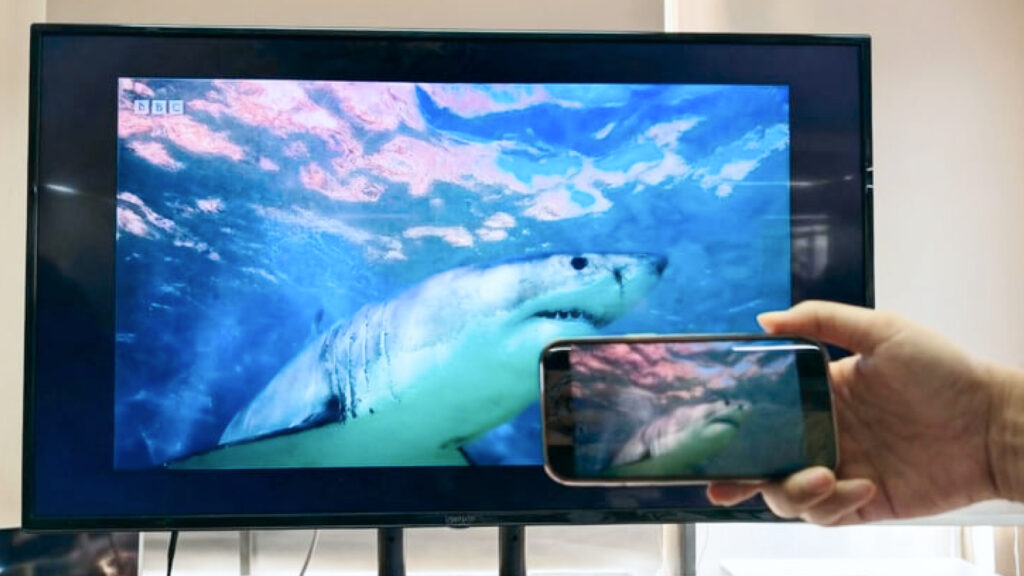
周末想窝在沙发上看手机里的电影,屏幕太小不过瘾?游戏打到关键时刻,想投到大屏上和小伙伴一起嗨?其实只需要一个工具就能轻松搞定。Rain Bird Screen Casting App 是一款功能强大的跨平台投屏工具,支持将手机屏幕轻松投屏到电视上。以下是安卓手机投屏到电视详细的操作步骤:
1. Network connection.
请确保您的 安卓手机 和 电视 连接在同一个 Wi-Fi 网络下。为了获得更流畅的投屏体验,建议使用 5G 频段的 Wi-Fi.
2. 安装并打开雨燕投屏APP
在电视和手机上分别安装并打开Rain Bird Screen Casting App:
📥 安卓TV版: 在应用市场下载
📱 安卓版: 在应用市场下载
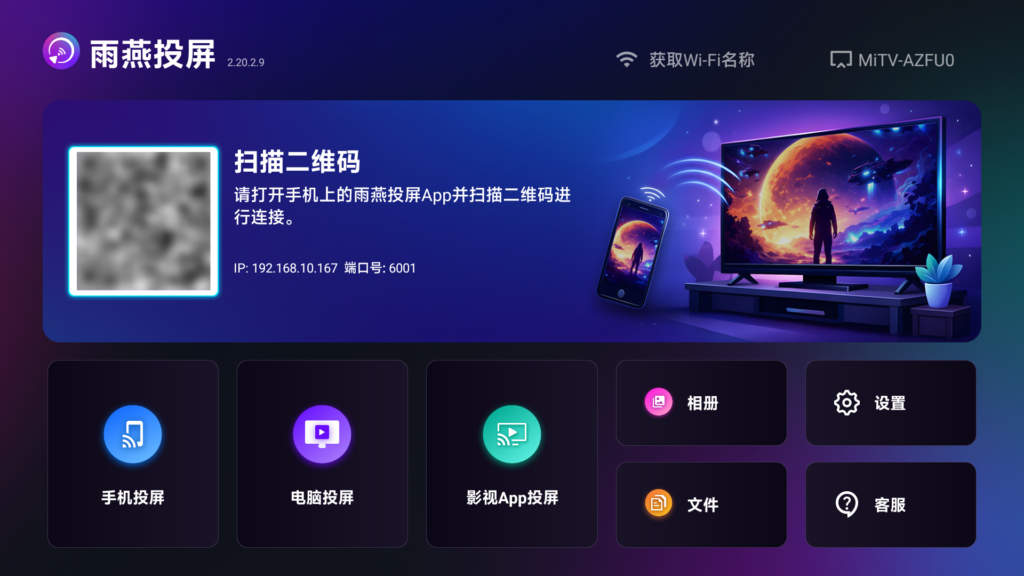
3. Start Screen Casting
There are two ways to start screen casting:
1) 扫描二维码
您可以在主界面或“镜像投屏”界面选择扫描二维码入口。
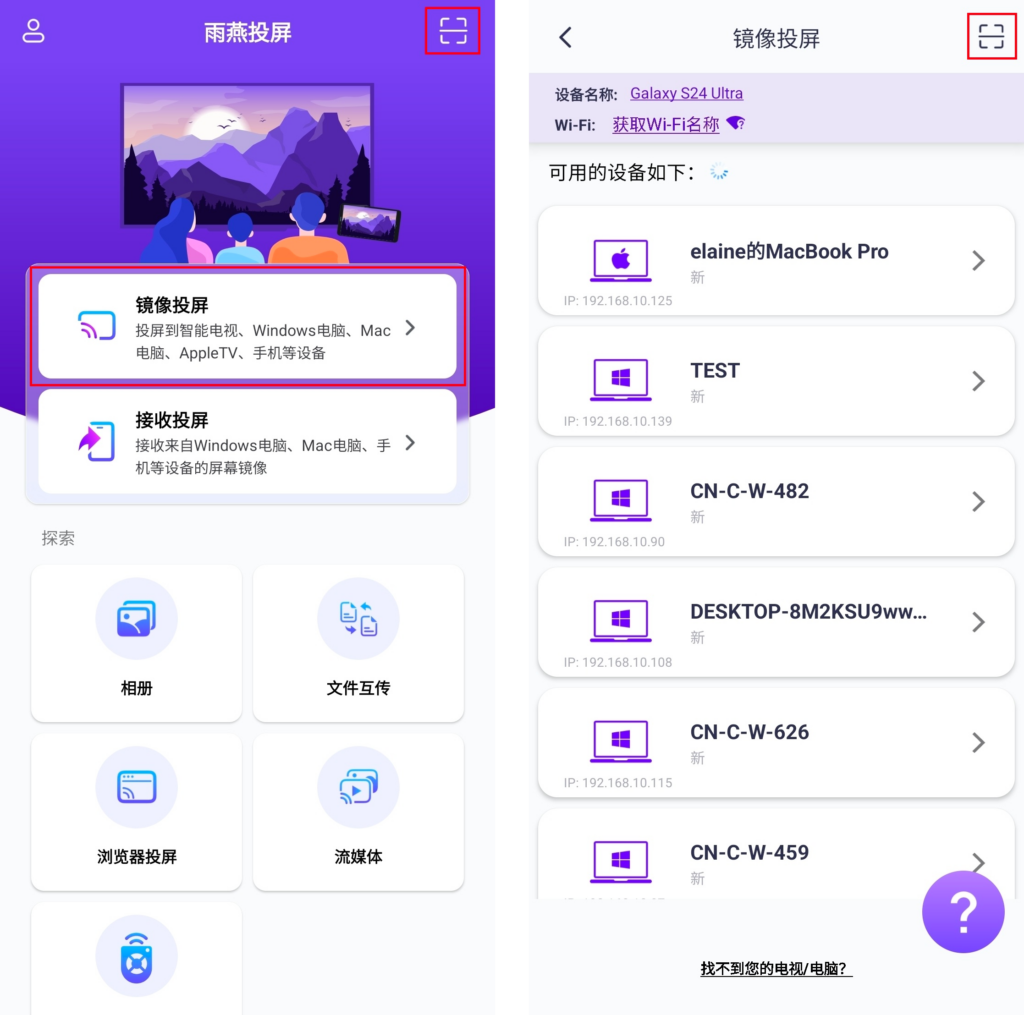
Camera authorization is required to scan the QR code for the first time.
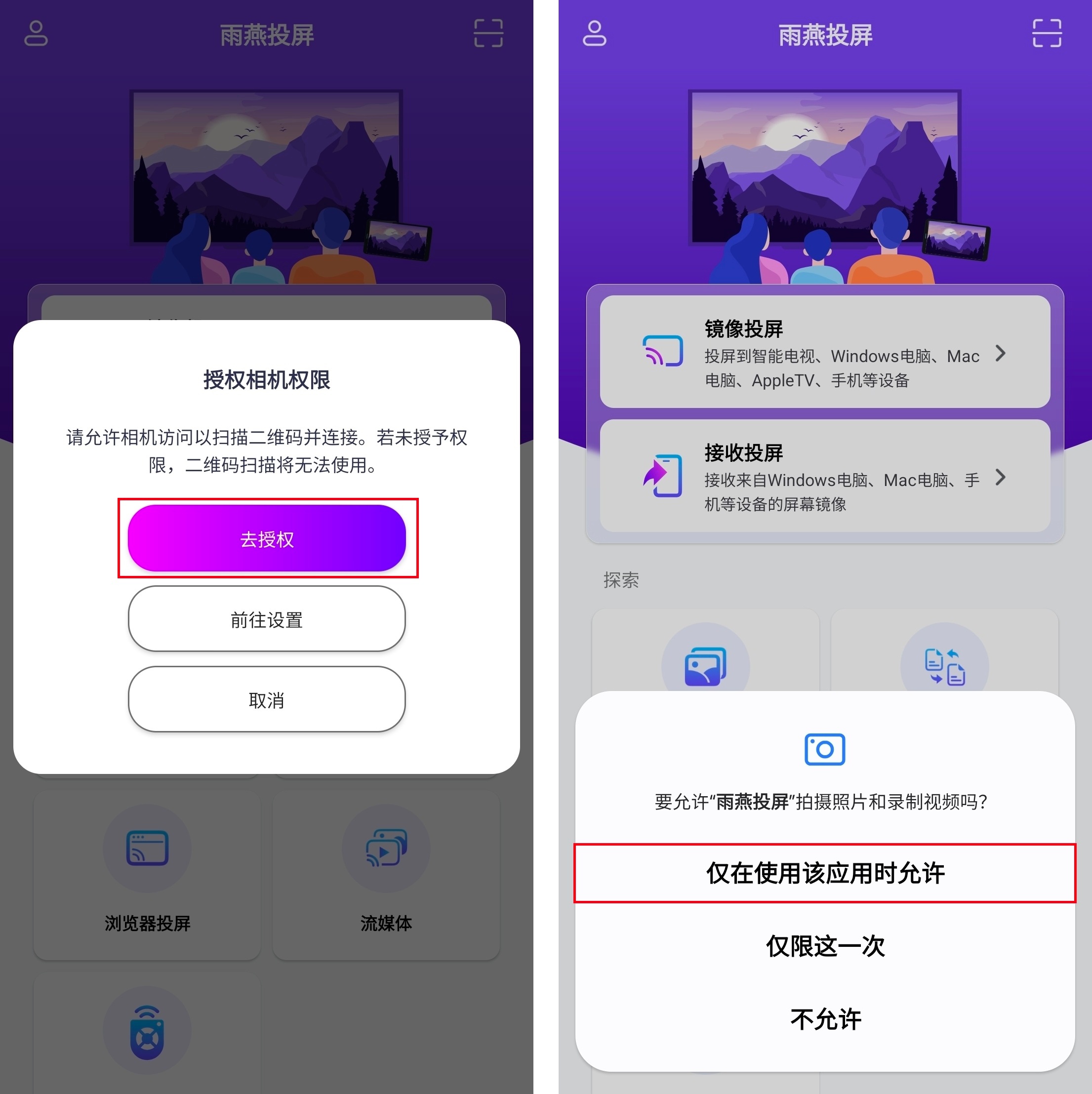
扫描二维码成功后即可开始屏幕镜像。
2) Select a nearby device
雨燕投屏会自动检测并显示同一局域网中所有支持投屏的设备(如智能电视、电视盒子或电脑)。
选择目标设备即可启动镜像投屏。
注意:如果找不到设备,可刷新重新加载列表。
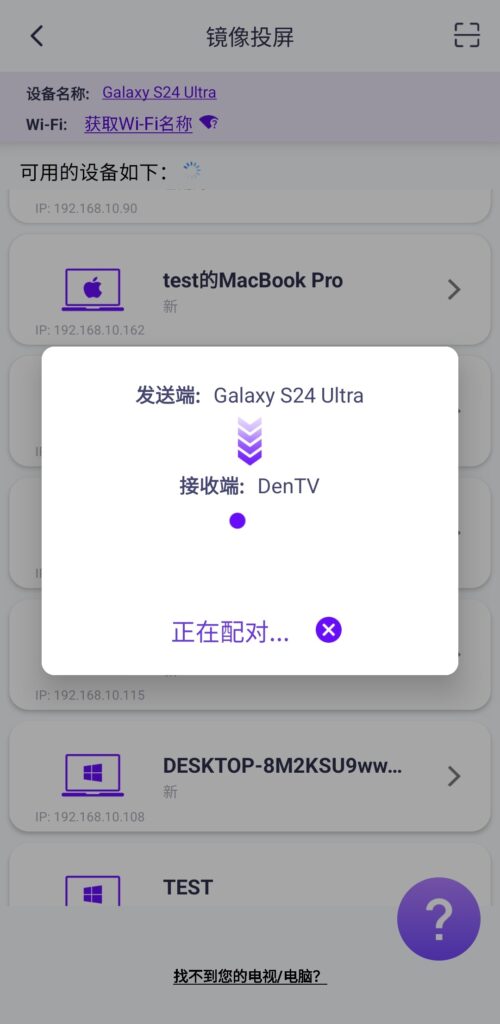
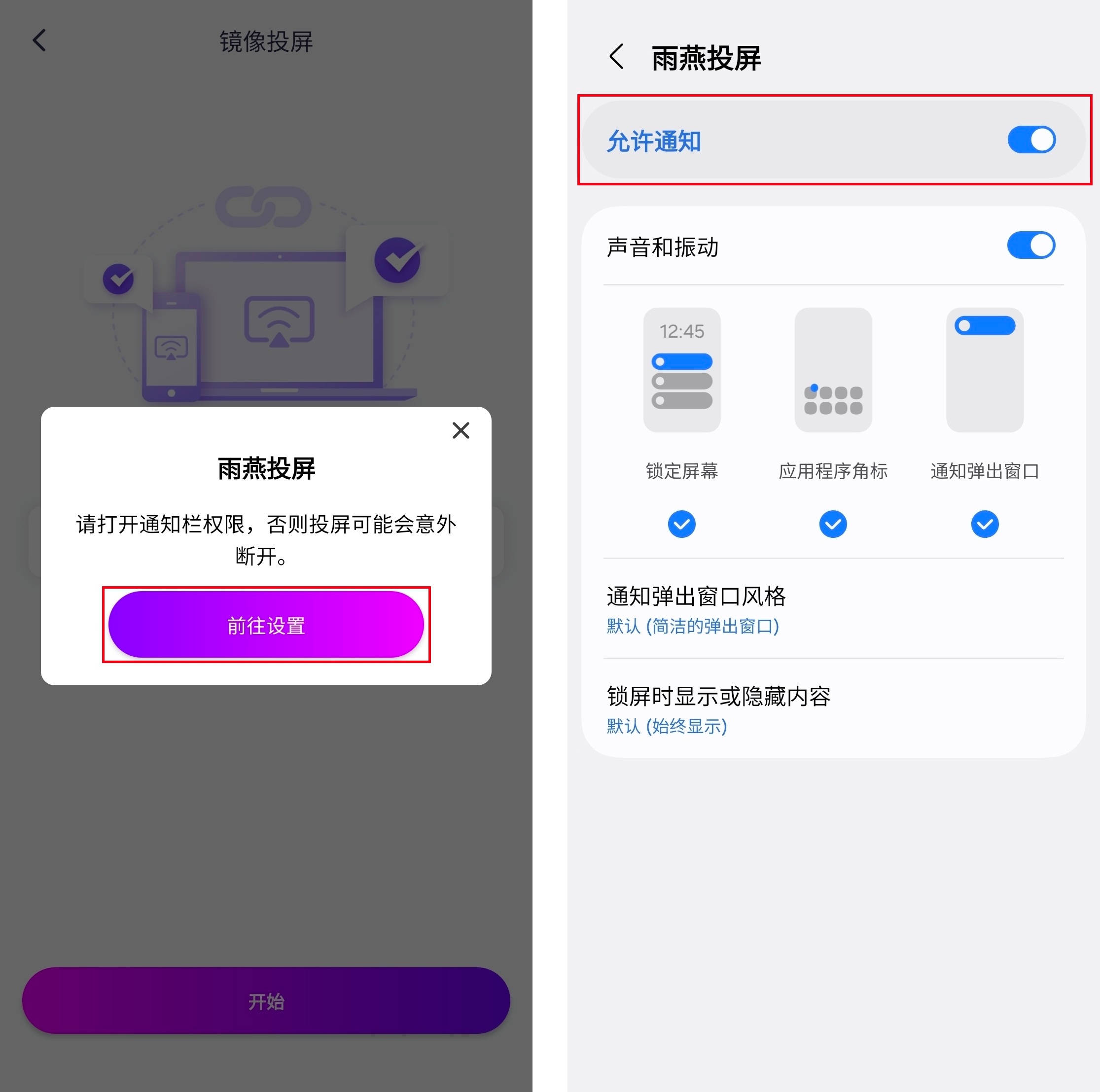
在投屏之前,您需要授予通知权限才能在通知栏中查看状态。
注意:
The mobile version supports Android 6.0 or above, and the TV version supports Android 4.2.2 and above.
Try connecting to Wi-Fi in the 5G band, the screen will be more stable and there will be less latency.
下载雨燕投屏开始使用吧!
📥 安卓TV版: 在应用市场下载
📱 安卓版: 在应用市场下载